 advanza
Emails that look as good as your ideas.
Design, personalise and send professional newsletters and campaigns using beautiful templates.
Free plan · No card required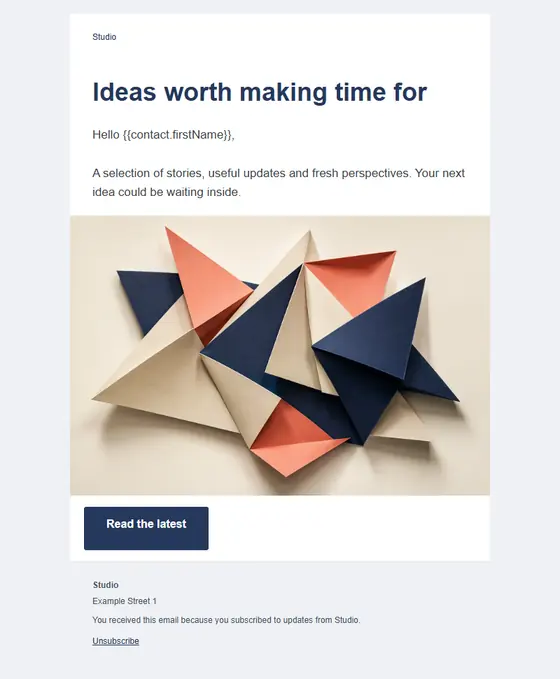
{{contact.firstName}}MariaStart with something beautiful.
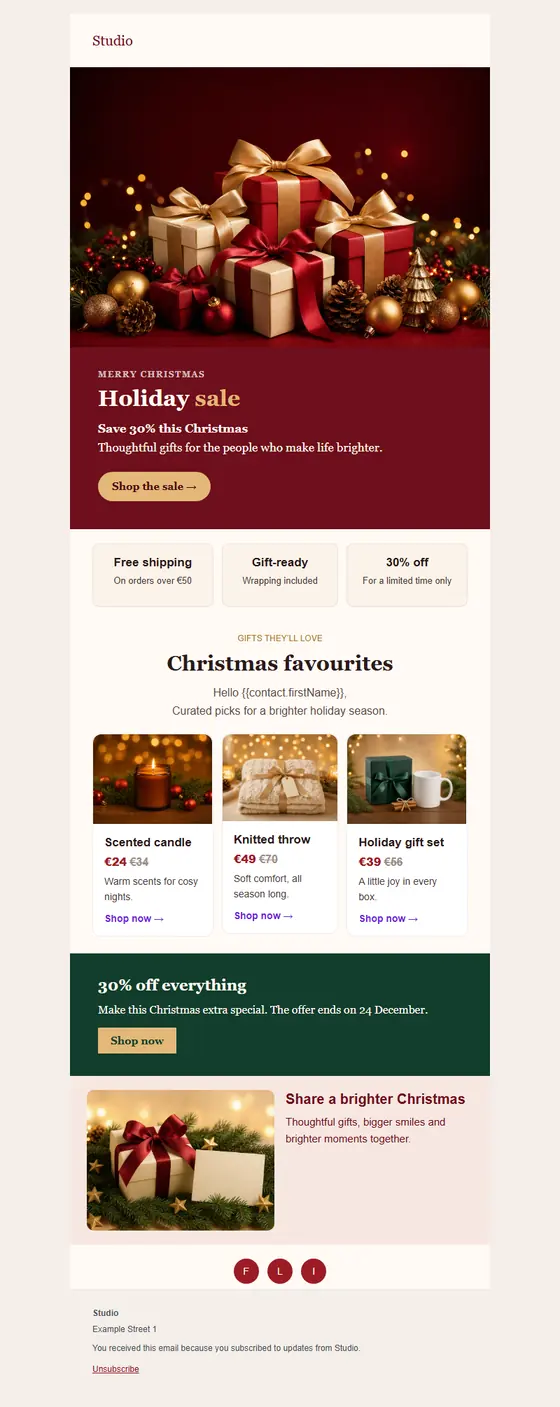
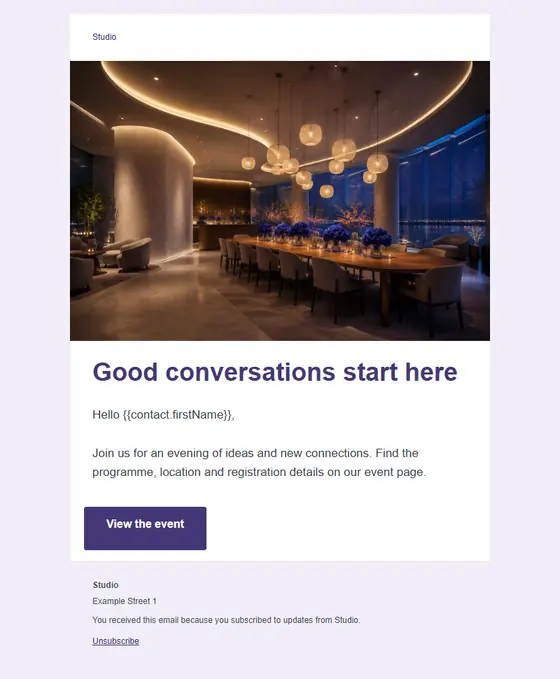
Striking images, considered typography and layouts that hold up on any screen. Pick a design and you are already most of the way there.
Holiday salePremium The monthly edit 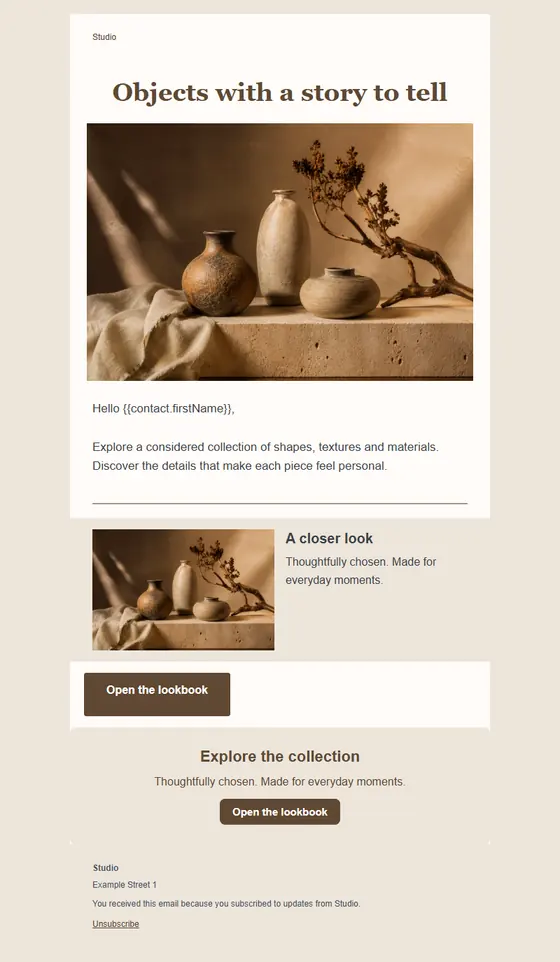
The artisan editPremium You're invited 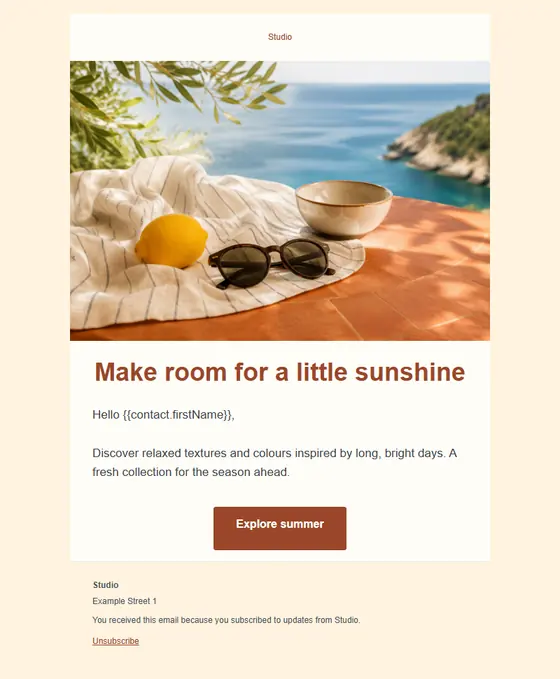
Summer moments 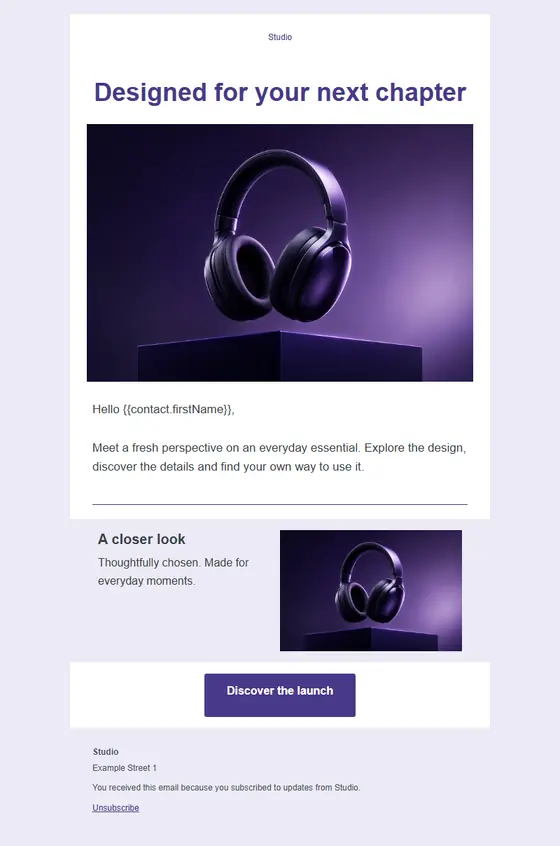
Something newPremium 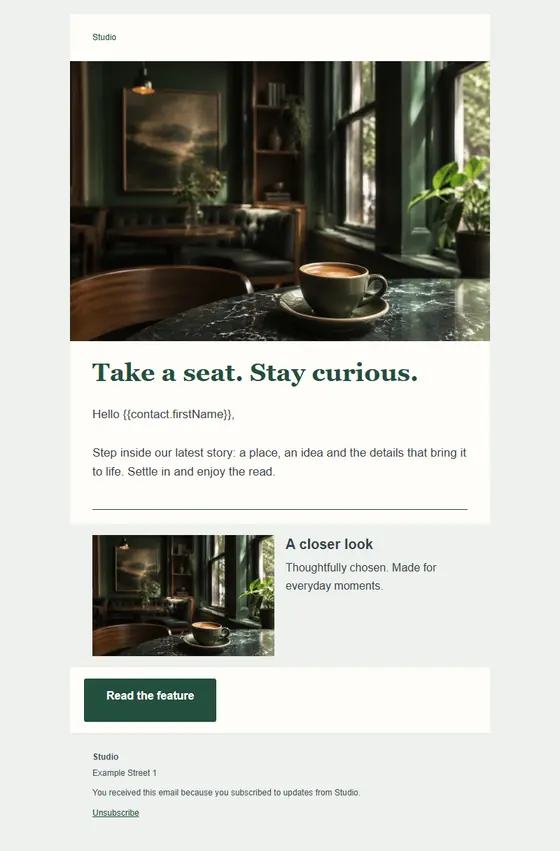
Stories to savourPremium 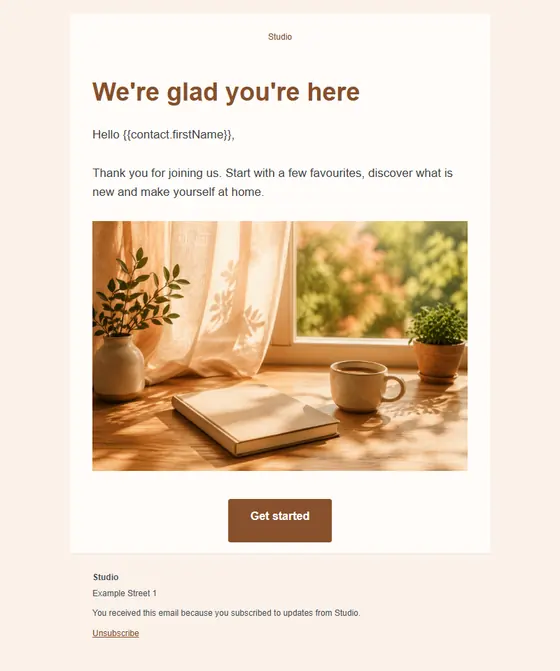
A warm welcome 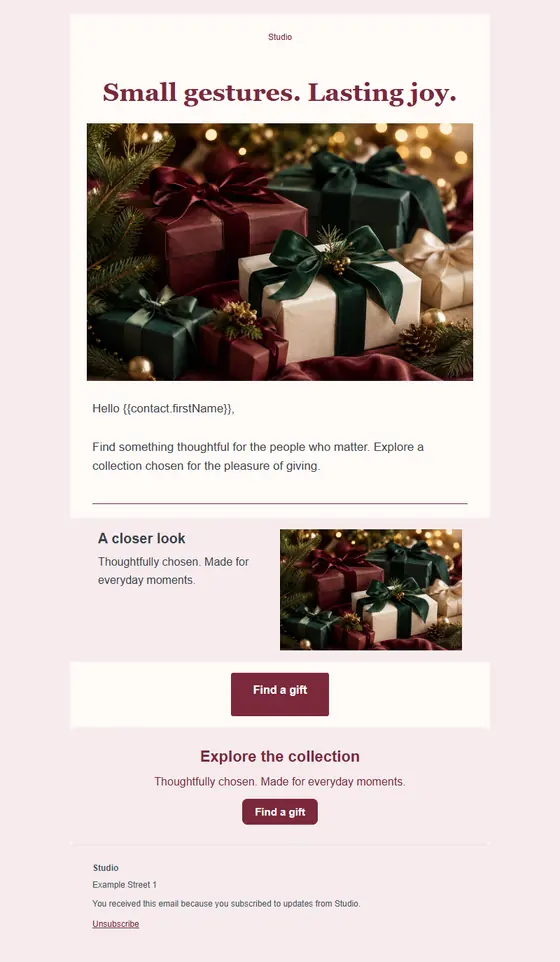
The gift editPremium 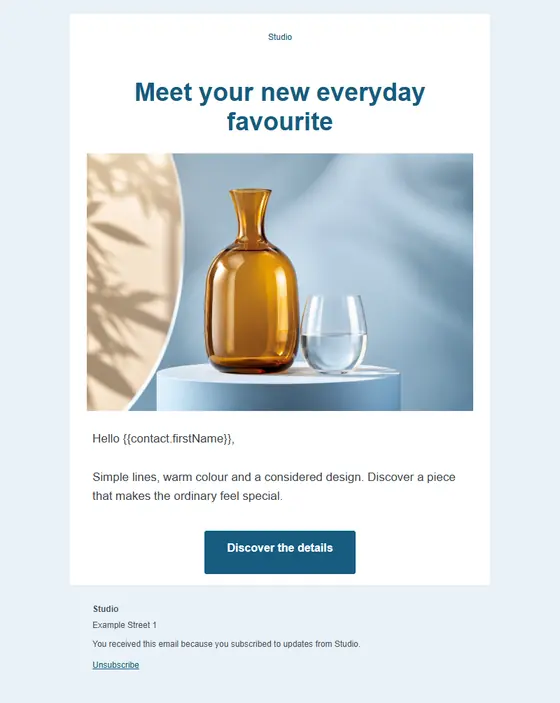
In the spotlight 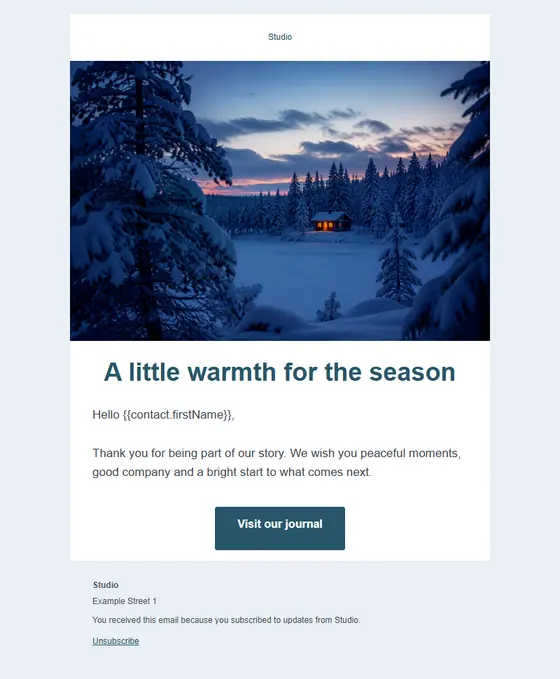
Winter wishes 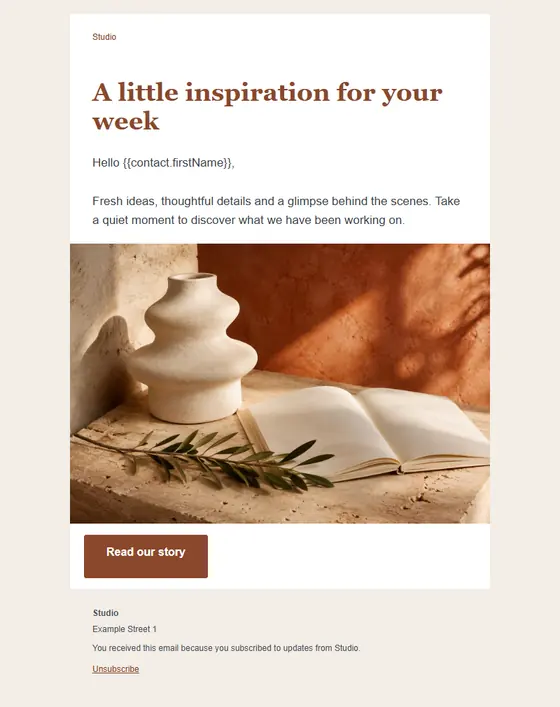
Studio notes 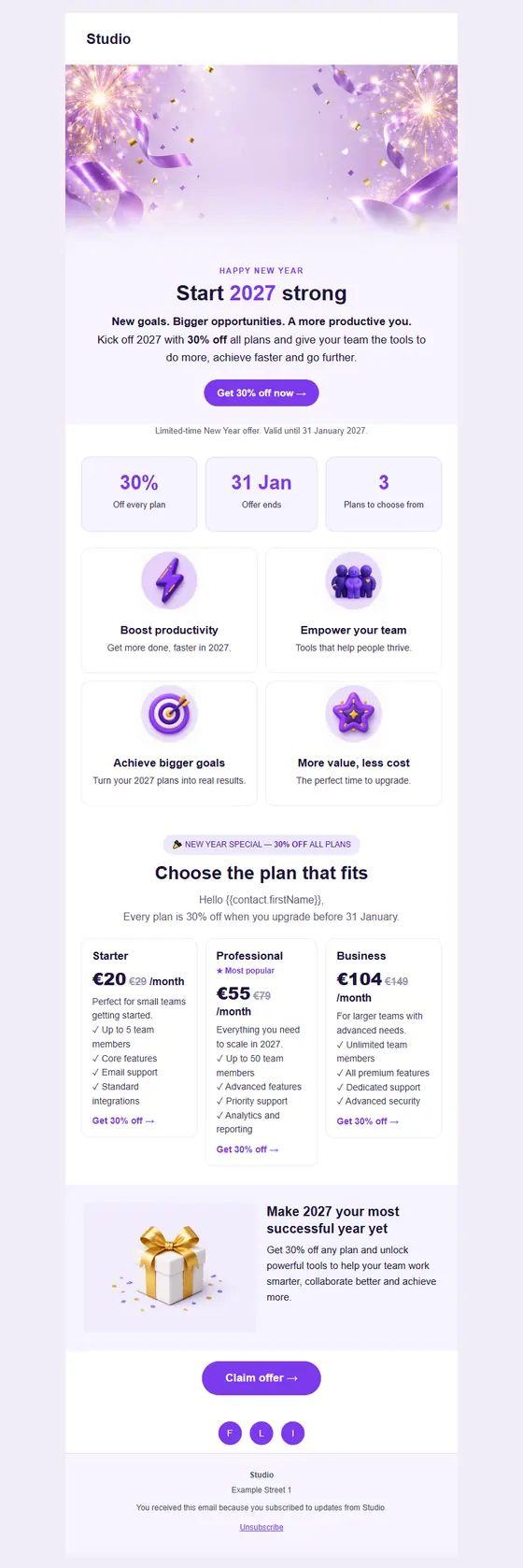
New Year salePremium 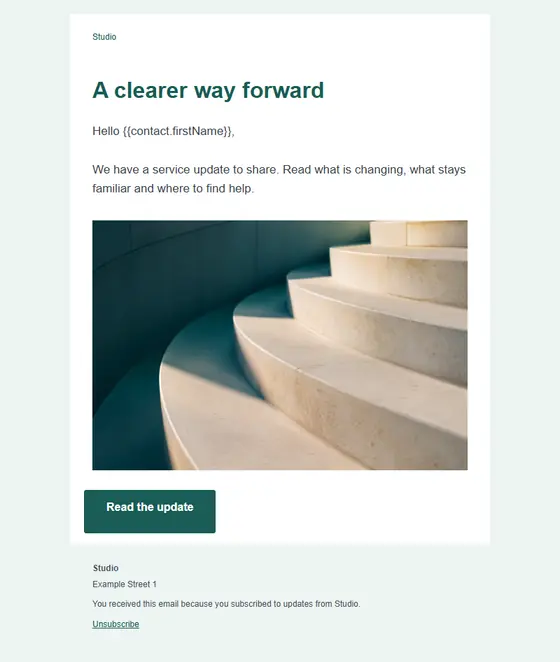
A useful update 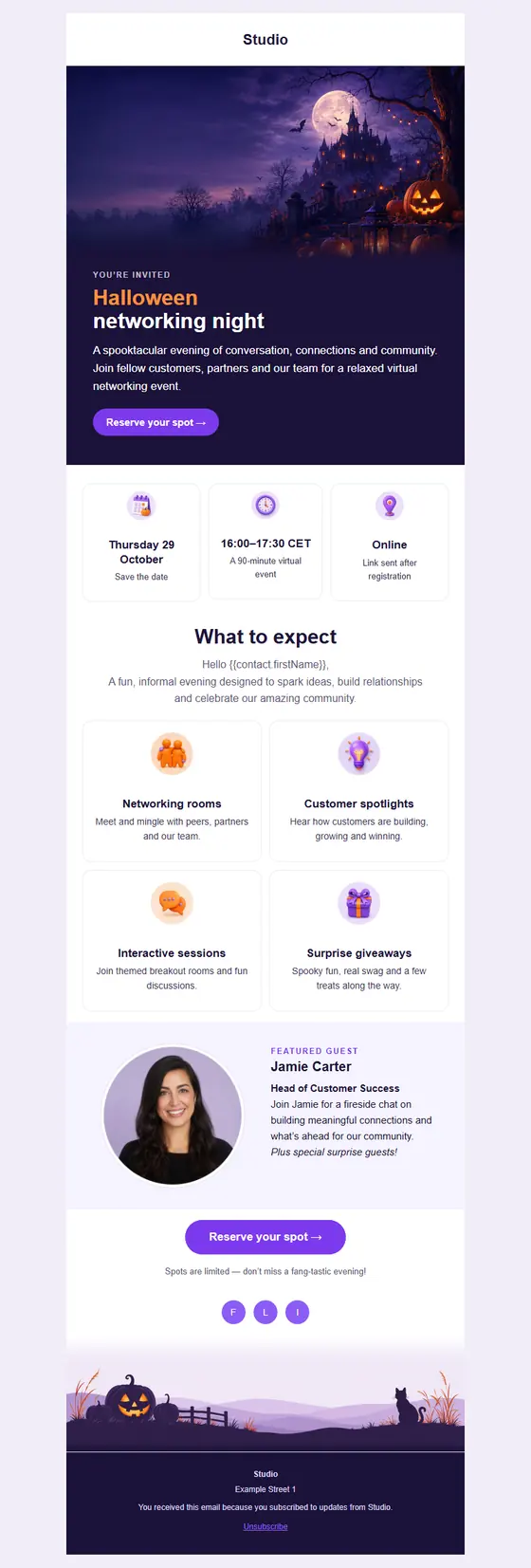
Halloween networking nightPremium 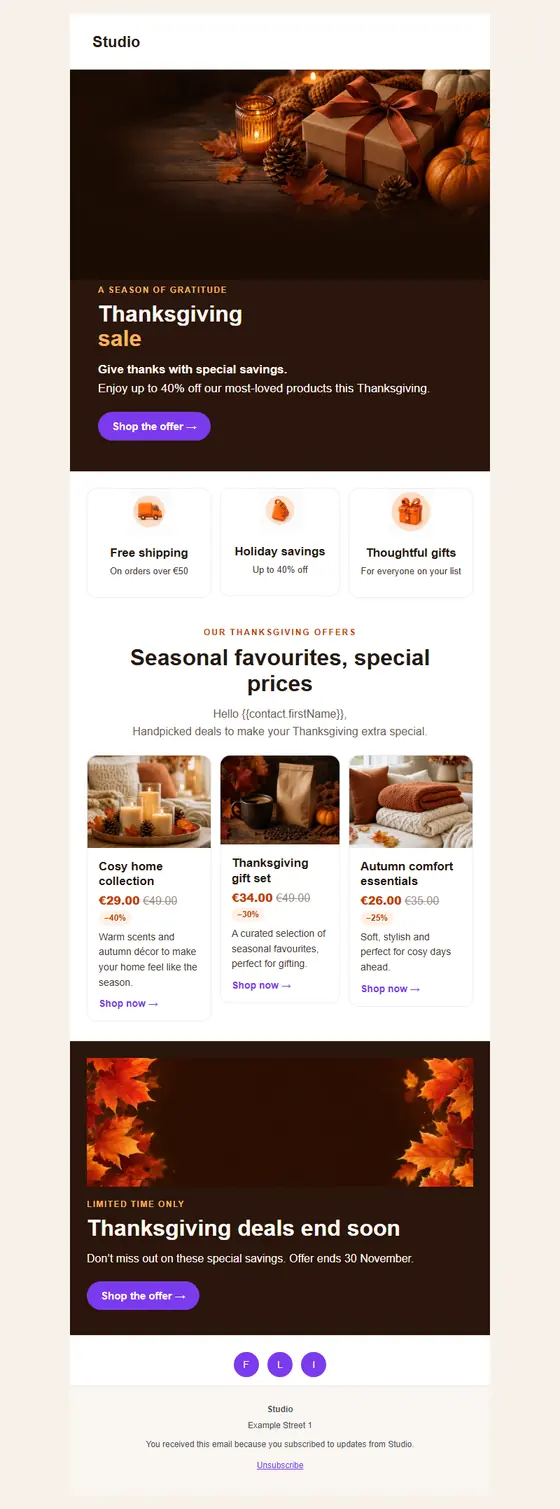
Thanksgiving salePremium
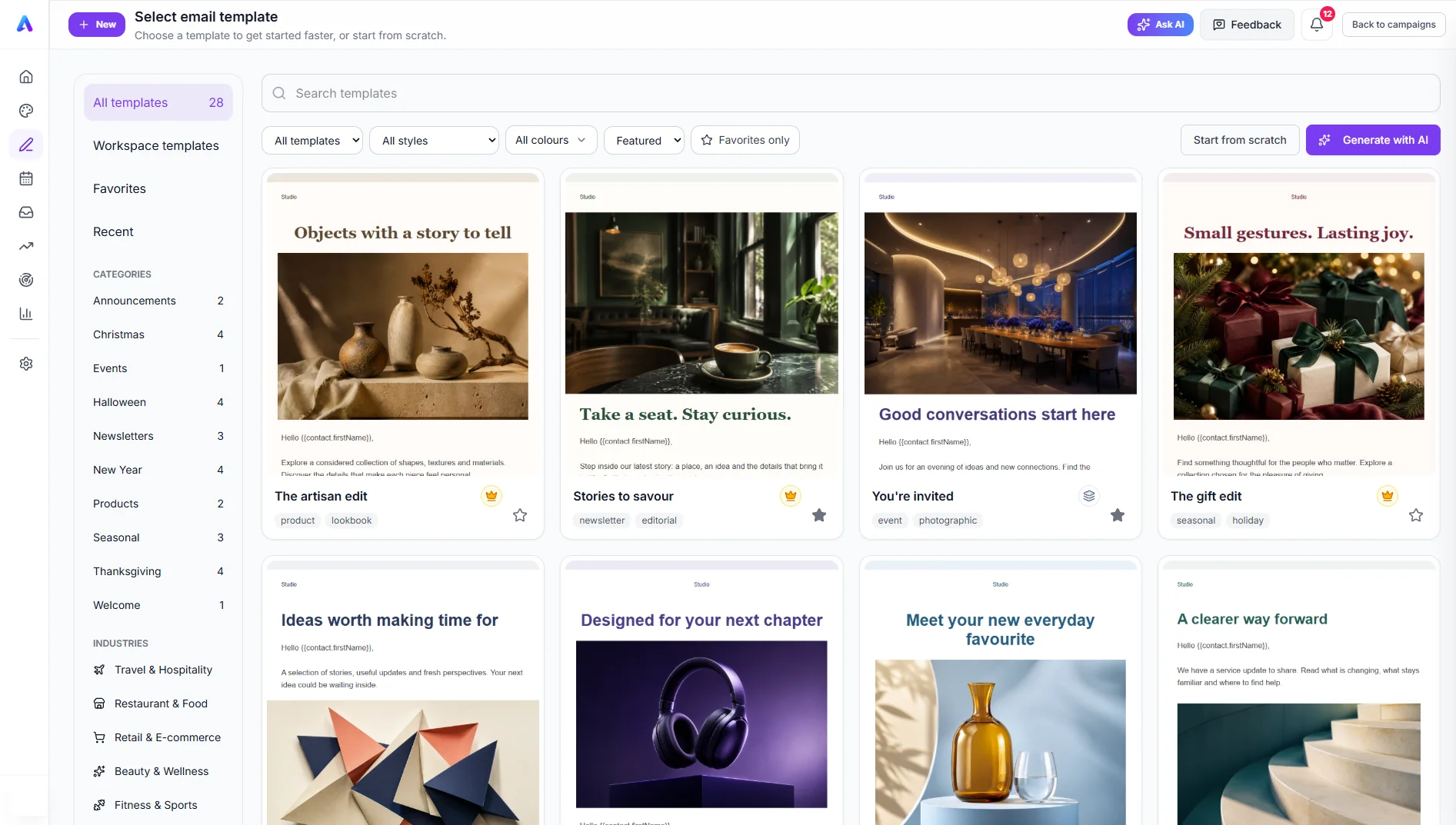
A selection from the 28 designs in the app. Premium designs are included with Pro and Business.
The right design in a few clicks.
Browse by occasion or industry, or filter by style and colour until the gallery shows what you have in mind.
- Designs for sales, newsletters, events and seasons
- Keep favourites, and save your own designs as workspace templates
- Prefer a blank page or a brief? Start from scratch or generate with AI
What you see is what you change.
Click the headline and type. Swap the picture where it sits. There is no code to touch, and you can check the email on desktop, tablet and mobile before it goes out.
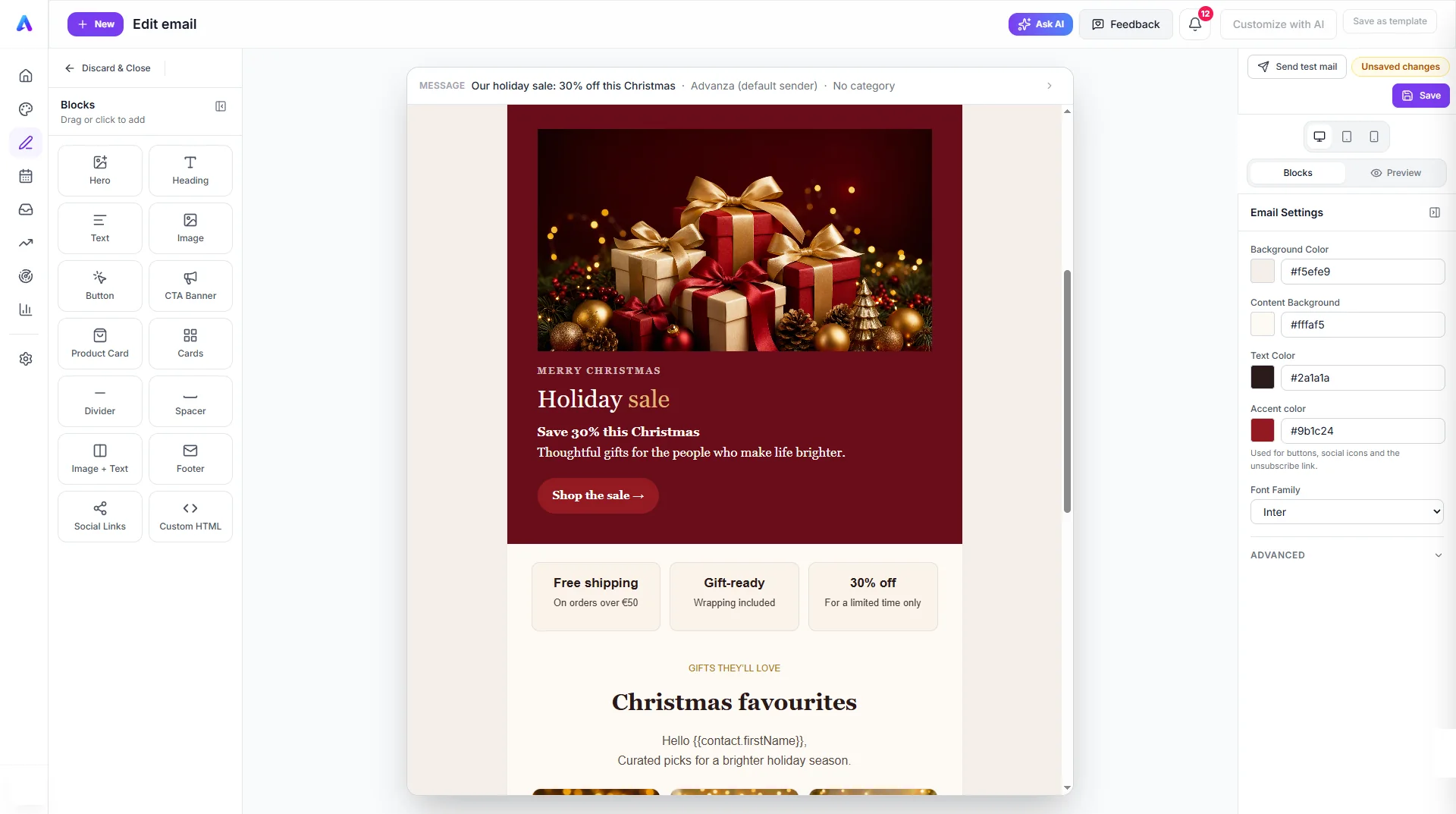
- Add the blocks you need: images, text, buttons, product cards and more.
- Edit text, images and buttons directly in the email.
- Set colours and fonts once, for the whole email.
Stuck on the words? Ask right there.
Draft a whole email from a brief, or select one sentence and rewrite only that. AI works from your brand, so the result still sounds like you.
- Improve, shorten, translate or change the tone
- Follows the voice and rules in your Brand
- Personal fields stay in place when text is rewritten
One email. Written for each reader.
Add a contact’s name or another field, and every copy greets the person who opens it. Choose who gets it from the contacts already in your CRM.
- Personal fields from your contact data
- Send to a saved segment or a contact group
- See how many people you will reach before you send
Send from your own mailbox.
Connect Microsoft 365 or Gmail and your campaigns go out from an address your contacts already recognise. Replies come straight back to you.
- Share a mailbox so colleagues can send from it too
- Advanza stays within the mailbox’s daily limit
- A campaign that reaches the limit carries on by itself the next day
Check it, time it, learn from it.
Send yourself a test, pick the moment and let it go. Afterwards, opens and clicks show you what to do more of in the next email.
- Send a test to your own inbox first
- Schedule for the right day and time
- Follow opens and clicks per campaign
Your next email, in three steps.
Pick a design
Start from a template, your own saved design or a brief for the AI.
Make it yours
Change the words, pictures and colours right on the canvas.
Send it
Choose your audience and your mailbox, test it, then send or schedule.
Email is better with the rest of your marketing.
Good to know.
Do I need design skills or HTML?
No. You edit the text, images and buttons directly in the email, and you can preview it at desktop, tablet and mobile size. If you do want your own code, there is a Custom HTML block.
Which templates are included in each plan?
All 28 designs can be browsed on every plan. Eight are standard and can be used on any plan, including Free. The other 20 are premium and are included with Pro and Business.
Which address do my emails come from?
From the mailbox you connect: Microsoft 365, Google Workspace or Gmail. Personal outlook.com accounts are not supported yet.
How many emails can I send from my mailbox?
Mailbox providers limit daily sending, so Advanza’s default limits are 1,000 a day for Microsoft 365, 500 for Google Workspace and 100 for Gmail. A larger campaign pauses at the limit and continues by itself the next day. Your plan’s email sends also apply.
What can I see after sending?
How many emails were sent, plus opens and clicks. Emails sent from your own mailbox show as sent, not delivered, and any bounces arrive in that mailbox’s inbox.
Can I send emails in other languages?
Yes. Every template comes in English, Danish, German, Spanish, French, Norwegian and Swedish, and AI can translate any text you write.
Big ideas.
Less busywork.
Bring your marketing together with Advanza.
Start free Free plan · No card required